

Unified Transcription API: A Developer’s Integration Guide
A unified transcription API is a single interface that routes audio to multiple speech-to-text engines behind one set of endpoints, one authentication scheme, and one billing model, so a development team never rewrites application code to switch providers. This approach makes sense whenever an application needs flexibility across languages, accuracy tiers, or cost profiles that no single vendor’s model handles well on its own — direct integration with one provider still works fine for narrow, stable use cases where switching engines is never going to happen.
For teams evaluating this now, the practical next step is to prototype against production audio rather than clean demo samples, since word error rates and latency both shift substantially once background noise, codecs, and real speakers enter the picture. OpenTranscription offers a ready entry point for that kind of test.
A short mental checklist before committing to an architecture:
- Confirm whether your workload needs streaming, batch, or both
- Decide if speaker diarization and word-level timestamps are mandatory or optional
- Estimate audio volume in seconds per month to model cost realistically
- Check compliance requirements (HIPAA, data residency) before selecting a provider mix
Key Takeaways
A unified transcription API succeeds when it pairs a stable, provider-agnostic interface with routing rules and test data drawn from real production audio, not vendor demos.
| Point | Details |
|---|---|
| Test with real audio | Benchmark latency and word error rate using your own noisy, accented recordings, not clean demo clips. |
| Separate streaming from batch | Use streaming for live captions and voice interfaces, batch for meeting transcripts and analytics. |
| Build in an escape hatch | Keep the interface provider-agnostic but expose provider-specific options for advanced features. |
| Route by cost and accuracy | Send high-stakes audio to premium models and high-volume, low-risk audio to cheaper ones. |
| Prototype with OpenTranscription | OpenTranscription lets teams benchmark 40+ models under one API and per-second billing before committing to a routing policy. |
Table of Contents
- What Is the Common Interface Behind a Unified Transcription API?
- Streaming vs Batch Transcription: Which One Do You Need?
- How Do You Build a Provider-Agnostic Integration?
- What Should You Measure When Evaluating a Transcription Model?
- How Do You Secure and Scale a Transcription Pipeline?
- Where OpenTranscription Fits This Developer Workflow
- Why the Conventional Advice on Provider Comparison Falls Short
- Getting Started With a Unified Transcription API
- Sources
- FAQ
What Is the Common Interface Behind a Unified Transcription API?
Most unified transcription APIs converge on a small set of interface shapes, regardless of which engines sit behind them. Spring AI’s TranscriptionModel interface is a useful reference point: a developer calls transcribe(resource, options), and the underlying provider can change through configuration without touching application code. That pattern, resource in, structured transcript out, shows up across the ecosystem because it maps cleanly onto how speech models actually work: send audio, receive text plus metadata.
Streaming follows a related but distinct shape, built around a persistent session rather than a single request. A client opens a connection, sends audio chunks continuously, and receives a stream of events rather than one final answer.
- Session start. The client authenticates and configures the session, including language hints, custom vocabulary, or diarization flags.
- Incremental deltas. The API returns partial transcripts as speech arrives, each one superseding the last for that segment.
- Commit events. A segment is finalized when the model is confident enough, or when a pause exceeds a configured threshold.
- Session close. The final transcript, timestamps, and confidence scores are returned or made available via webhook.
Behind that interface, the routing layer decides which model actually processes the audio. This can be static (a config flag picks the engine) or dynamic (the router picks based on language, file size, or a cost/accuracy policy). On the transport side, REST suits batch jobs and simplicity, WebSocket suits low-latency streaming with bidirectional events, and WebRTC suits browser-based audio capture where network conditions vary. Session configuration options like context priming and custom keywords also live at this layer, letting developers bias accuracy toward domain-specific vocabulary before a single word of audio arrives.
Streaming vs Batch Transcription: Which One Do You Need?
Streaming and batch transcription solve different problems, and conflating them is a common source of frustrated engineering time. Streaming (real-time) transcription processes audio as it arrives and is built for live captioning, voice assistants, and call center monitoring, where a few hundred milliseconds of delay is acceptable but multi-second delay is not. Batch transcription processes a complete audio file after the fact and fits meeting transcripts, podcast text conversion, and compliance archiving, where accuracy and completeness matter more than immediacy.
The trade-off between the two is not free. Tuning a streaming model’s delay setting changes its word error rate: shorter delay windows lower latency but give the model less context to correct itself, while longer windows raise accuracy at the cost of responsiveness. Vendor documentation for some low-latency streaming models cites first-word latency in the 150 to 300 millisecond range, which is fast enough for live captions but still worth validating against your own network conditions rather than trusting a spec sheet.
Feature availability often differs between the two modes as well:
- Streaming typically exposes partial results and lower-fidelity timestamps early, refining them at commit
- Batch jobs usually return complete speaker diarization and word-level confidence scores in one pass
- Analytics and search use cases (call summarization, keyword spotting) tend to favor batch, since they can tolerate processing delay in exchange for completeness
Pro Tip: Never benchmark latency or accuracy using clean studio audio. Run your test suite against recordings that include the crosstalk, phone codecs, and background noise your actual users generate, since synthetic benchmarks routinely understate real-world error rates.
How Do You Build a Provider-Agnostic Integration?
A provider-agnostic integration is mostly a discipline problem, not a technical one. The pattern below covers the checkpoints that matter most once you move past a proof-of-concept.
- Authentication and key management. Store provider credentials separately from application logic, and rotate keys on a schedule rather than only after an incident. A unified API reduces this to one credential set instead of one per engine.
- Audio preprocessing. Normalize sample rates, handle multiple input formats (WAV, MP3, FLAC, Opus), and support chunked or resumable uploads for large files so a dropped connection doesn’t force a full re-upload.
- Event handling. Design your client to treat partial deltas as disposable and commits as authoritative. Webhooks need idempotency keys, since retries after a timeout can otherwise duplicate a finalized transcript.
- Routing policy. Define rules that send high-stakes or noisy audio to higher-accuracy, higher-cost models, and low-value or high-volume audio to cheaper ones. Engine routing lets teams trade cost and accuracy dynamically rather than locking every job into one model tier.
- Testing strategy. Measure word error rate and latency against your own production recordings, not vendor demo clips, and specifically test edge cases like overlapping speakers and accented speech.
One practical detail worth building in early: keep an escape hatch. A provider-specific options object lets the unified interface stay clean for common cases while still exposing an engine’s unique features when a job genuinely needs them.
Pro Tip: Log the routing decision alongside every transcript, not just the output. When accuracy complaints arrive weeks later, you’ll want to know which model handled that specific job without re-running the audio through every engine to guess.
What Should You Measure When Evaluating a Transcription Model?
Choosing a transcription engine, or configuring a router’s rules, comes down to five measurable axes rather than a single accuracy score.
- Latency. Measure first-word latency and the ratio of partial-to-final revision time, not just end-to-end response time.
- Accuracy. Word error rate matters, but only when tested against your own audio conditions rather than a vendor’s benchmark set.
- Language coverage. Confirm support for code-switching (speakers mixing languages mid-sentence) if your user base needs it, not just a raw language count.
- Cost. Provider pricing can vary by 10 to 25 times for similar-looking products, so model your expected monthly audio volume before comparing per-second rates.
- Compliance posture. Confirm BAA availability for HIPAA-regulated workloads, and check whether the provider offers containerized or self-hosted deployment for stricter data residency needs.
Beyond raw accuracy: APIbenchmarks weights documentation and developer experience at 30%, reliability at 25%, ecosystem and SDK support at 25%, and accessibility at 20% when scoring speech-to-text providers, a reminder that the fastest model on paper is not automatically the easiest one to ship.
Diarization deserves its own evaluation line. Forcing diarization inside the transcription model itself often produces better speaker segmentation than running a separate diarization pass afterward, because the model has alignment context a standalone diarization tool lacks. That accuracy gain comes with a latency cost, so treat diarization as a configurable per-job flag rather than an always-on default.
How Do You Secure and Scale a Transcription Pipeline?
Production transcription pipelines need the same operational rigor as any other data-handling system, arguably more, given how often transcripts contain names, health details, or financial information.
Throughput planning starts with backpressure: a queue in front of your transcription calls prevents a traffic spike from overwhelming either your infrastructure or a provider’s rate limits. Autoscaling policies should key off queue depth, not just CPU load, since transcription work is I/O-bound more than compute-bound on the client side.
Security controls that matter in practice:
- Encryption in transit and at rest for both raw audio and generated transcripts
- Access control scoped by role, so a support agent’s dashboard doesn’t expose full transcript archives by default
- Audit logging for every transcript access, not just creation, since compliance reviews usually ask who read a file, not just who made it
- Retention policies that delete audio and transcripts on a defined schedule, paired with PII redaction workflows for fields like names and account numbers
For workloads with strict data residency or air-gapped requirements, containerized or on-premises deployment options exist for some providers, trading convenience for control. That choice usually comes down to whether your compliance team can accept processing on shared infrastructure at all, a question worth answering before, not after, you pick an architecture.
Where OpenTranscription Fits This Developer Workflow
OpenTranscription applies these patterns directly rather than leaving developers to assemble them from scratch. The platform supports over 105 languages, real-time streaming, and speaker identification, returning structured transcripts with word-level timestamps and confidence scores through one API surface.
Its model catalog benchmarks more than 40 transcription engines across cost, speed, and accuracy, giving teams a routing decision built on comparative data rather than a single vendor’s marketing claims.
That catalog matters because the evaluation criteria above (latency, accuracy, cost, compliance) are exactly what OpenTranscription’s benchmarks expose model by model, rather than asking developers to run their own comparison from zero. SDKs support both streaming and batch modes, billing runs per second processed with no subscription commitment, and advanced users can bring their own provider credentials when they need a specific engine’s proprietary features. For a realtime-focused comparison, the ranking tool isolates models by latency performance specifically.
Why the Conventional Advice on Provider Comparison Falls Short
Most guides to choosing a speech-to-text provider treat the decision as a one-time event: pick the best model, integrate it, move on. That advice ages badly. Accuracy and latency both shift as vendors update models, and the “best” engine for a customer support call center is rarely the best engine for medical dictation or multilingual podcast transcription.
The more useful framing treats model selection as an ongoing routing decision rather than a single procurement choice. Teams that build a provider-agnostic interface from the start, even if they only use one engine initially, avoid the expensive rewrite that comes from discovering six months later that their chosen vendor can’t handle a new language or a stricter compliance requirement. The Spring AI pattern of a stable interface with provider-specific escape hatches gets this right conceptually, and it’s worth adopting even outside the Spring ecosystem.
What developers should prioritize first is not the flashiest accuracy number in a vendor’s blog post. It’s building the test harness against production audio early, before the architecture hardens around one engine’s quirks. That single habit determines whether a switch to a better model six months from now costs an afternoon or a quarter.
— Benjamin
Getting Started With a Unified Transcription API
OpenTranscription gives developers one integration point instead of a separate contract, SDK, and billing cycle for every transcription engine they want to test. Rather than committing to a single vendor and discovering its limits after launch, teams can benchmark cost, speed, and accuracy across more than 40 models before writing routing logic, then pay only for the seconds of audio actually processed.
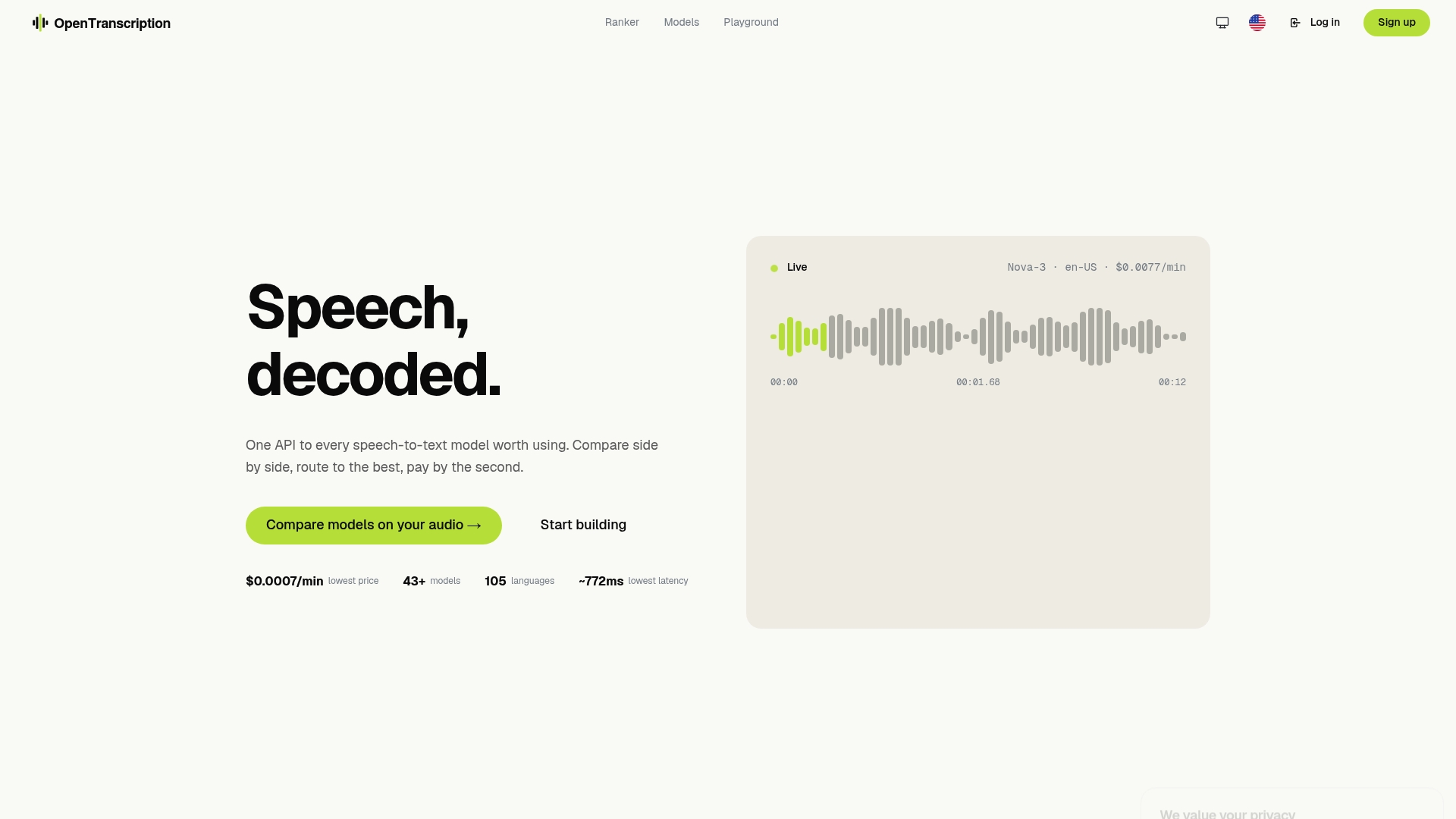
Getting started takes three steps: create an account on the OpenTranscription platform, review the model catalog to shortlist engines for your language and accuracy needs, and run a batch of your own production audio through the API before deciding on a routing policy. Teams focused on live captioning or voice interfaces should check the realtime model rankings first, since latency performance varies enough between models to change which one belongs in a streaming pipeline. There’s no subscription to cancel if the fit isn’t right, only usage to stop.
Sources
- Transcription API :: Spring AI Reference
- Best Speech-to-Text API 2026 — 13 Transcription APIs Compared | VexaScribe
- Best Speech-to-Text APIs · APIbenchmarks
- Realtime Speech-to-Text API - ElevenLabs
FAQ
What Is a Unified Transcription API?
A unified transcription API is a single interface that connects to multiple speech-to-text engines, letting developers switch providers or route jobs across models without rewriting integration code.
Should I Use Streaming or Batch Transcription?
Use streaming for live captions, voice assistants, or call monitoring where sub-second response matters; use batch for meeting transcripts, podcasts, or archival work where completeness matters more than speed.
How Do I Reduce Word Error Rate in a Streaming Model?
Increasing a streaming model’s delay setting typically improves accuracy by giving the model more context, at the cost of added latency, so the right setting depends on how much delay your use case tolerates.
Does OpenTranscription Support HIPAA-Regulated Transcription?
OpenTranscription’s structured transcripts, confidence scoring, and per-model benchmarking support the kind of provider evaluation compliance-sensitive teams need; check the model catalog for compliance details specific to each engine before routing regulated audio.
What Is the Real-World Latency for Real-Time Transcription?
Some streaming models achieve first-word latency between 150 and 300 milliseconds, though actual performance depends heavily on network conditions and should be validated with your own tests rather than a vendor’s published figure.